
How can I make a Tiny Desk AI video using my own photo?
To make a Tiny Desk AI video using your own photo, open the generator, choose a lineup size, and upload one clear photo for each featured subject. The Outstanding Tiny Desk template turns your one to five authorized photos into a 15-second 9:16 band performance with the original song audio, without prompt writing.
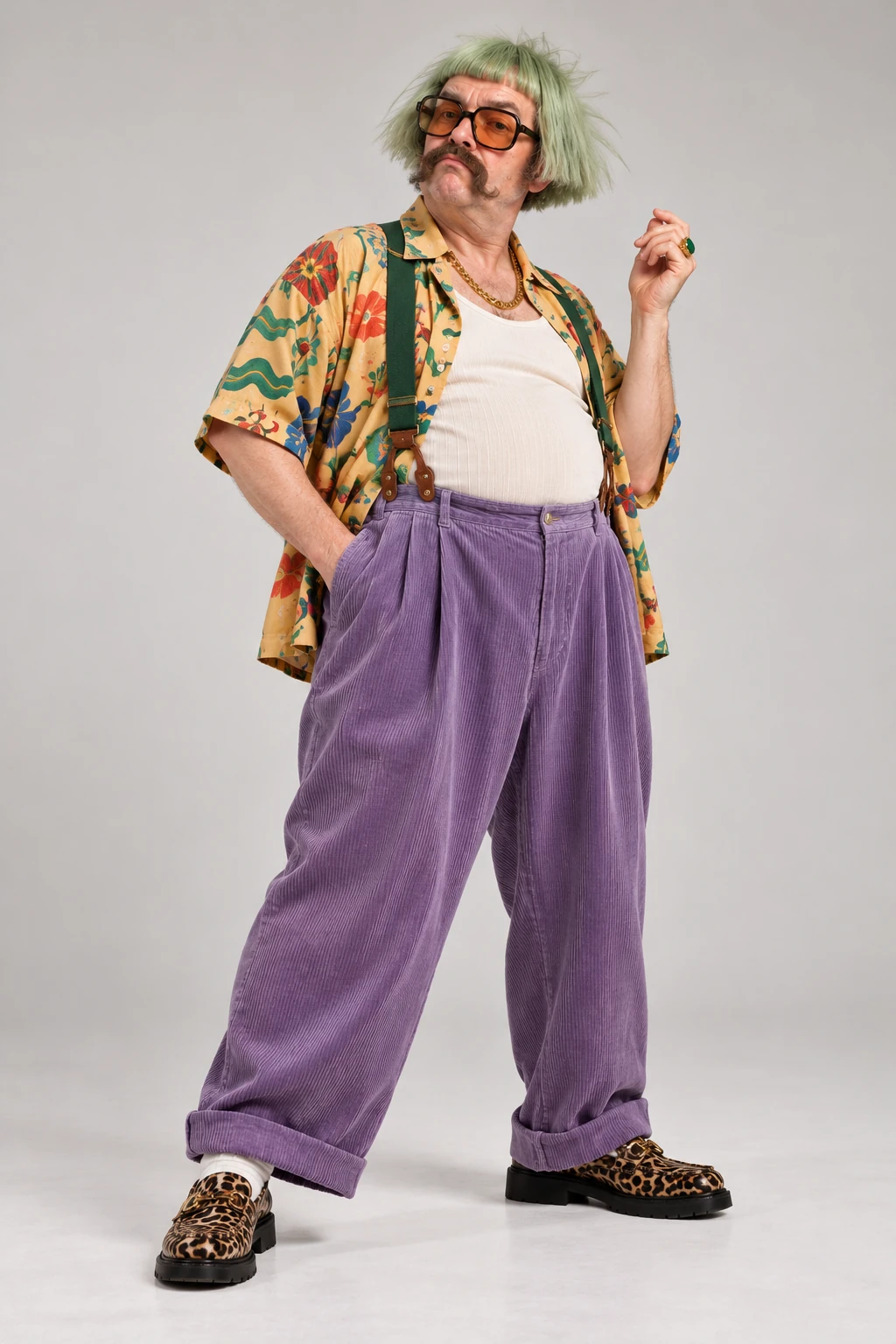
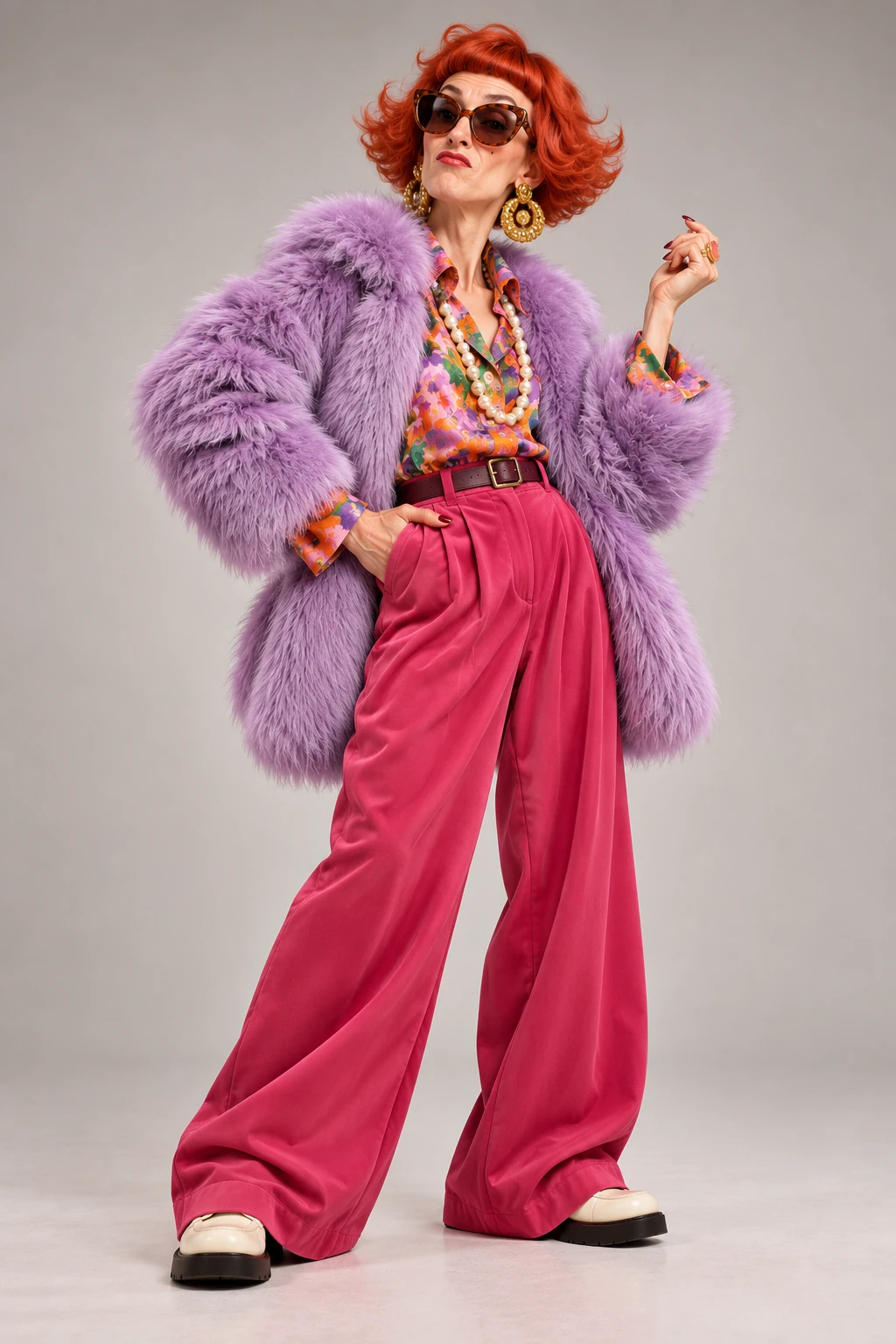
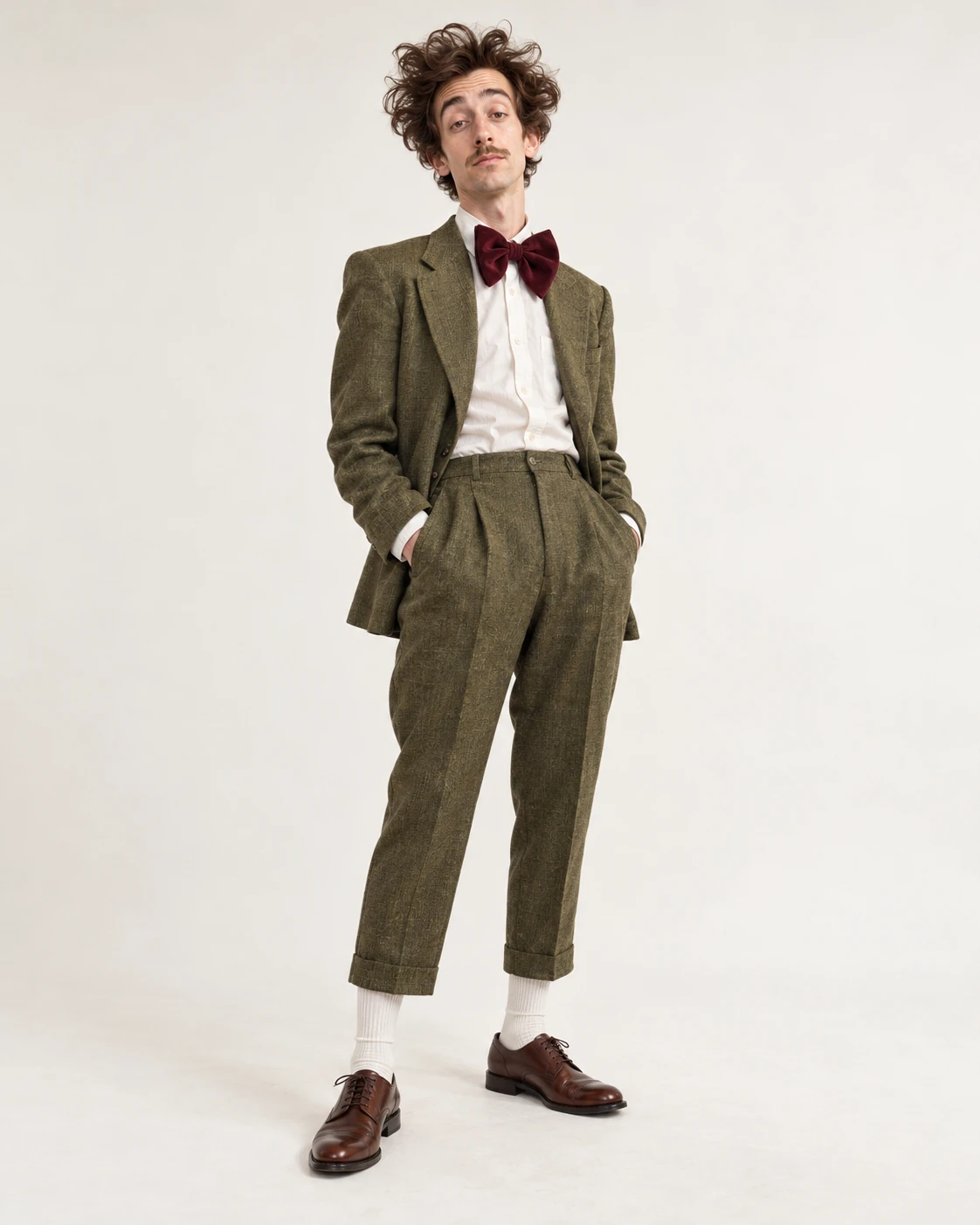
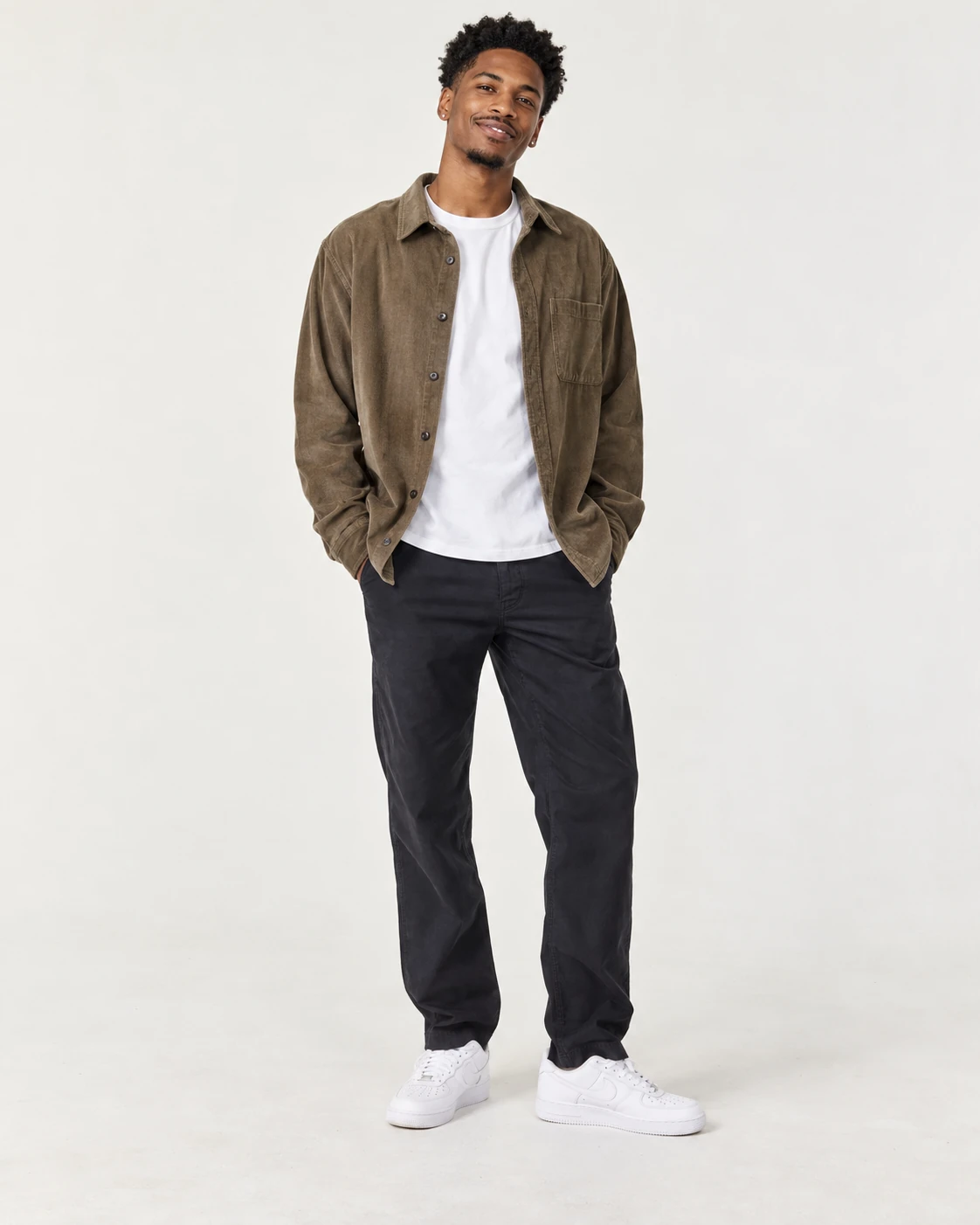
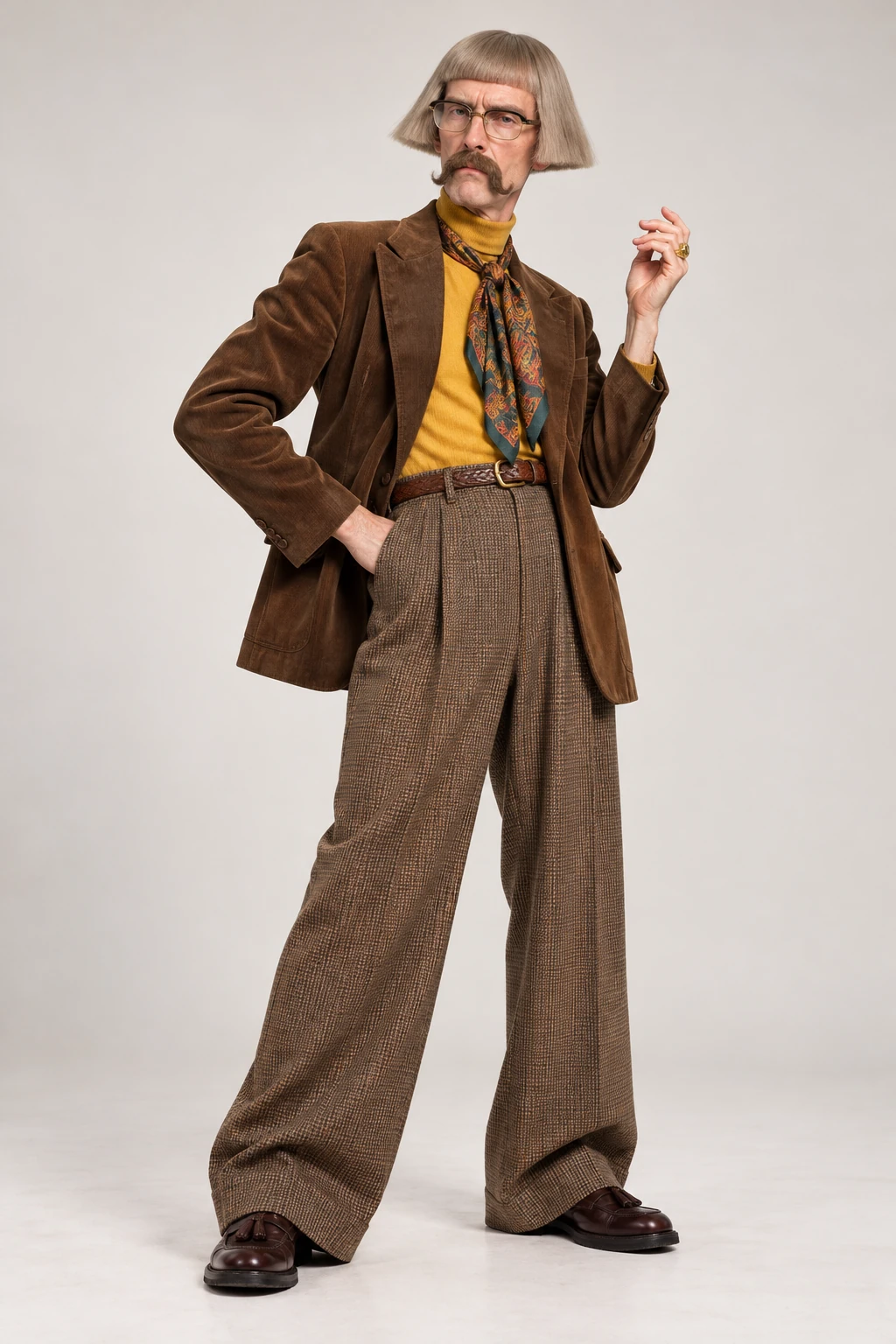
This generated example uses the five sample portraits shown here with the original song audio. Visual results vary.
Prepare your photo for a Tiny Desk AI video
Use a clear JPG, PNG, or WebP image between 256 and 8192 pixels per side and under 10 MB. Good lighting and a visible subject make it easier for the model to use the photo. A straightforward portrait usually works well, but the result can vary with any source image.
Only upload a photo you own or have permission to use. If another person appears in it, get their permission to submit their likeness. Do not use the result to impersonate, mislead, or suggest that someone endorsed you.
How to make a Tiny Desk AI video with your own photo
- Choose a lineup size from one to five people or pets.
- Upload one authorized photo for each featured subject and assign the photos to band roles.
- Confirm the photo-use permission, select the available resolution, and review the credit cost.
- Sign in and submit the generation. Your video appears in My Videos after generation and storage finish.
You do not need to write a prompt. The template supplies the visual setup and performance direction, then returns a vertical video you can review and download.
What to expect from your photo
The generated person or pet may not match every detail in the source photo. Face shape, clothing, pose, and movement can shift during generation. Review the final video before posting it, especially when the likeness belongs to someone else.
Tiny Desk AI is an independent tool. The original song audio is used in the performance, while the new visuals are generated from the photos you submit; the service is not affiliated with NPR or Charlie Wilson.
Frequently asked questions
Can I use a friend's photo?
Yes, if you have permission to submit the photo and use the person's likeness.
Which image formats work?
Upload a JPG, PNG, or WebP photo under 10 MB, with each side between 256 and 8192 pixels.
Can I use just one photo?
Yes. Choose a one-person lineup and upload one photo. You can also choose a larger lineup with up to five photos.
Turn your photo into a Tiny Desk AI video
Choose one to five subjects, upload the photos you have permission to use, and review the cost before you generate.
Create your Tiny Desk video