
What's the best Outstanding Tiny Desk AI generator?
The best Outstanding Tiny Desk AI generator depends on what you want to make. If you want a prompt-free desk-band video from one to five photos, with the original song audio and a vertical 15-second format, Tiny Desk AI is designed for that specific workflow. Compare the capabilities you need before spending credits.
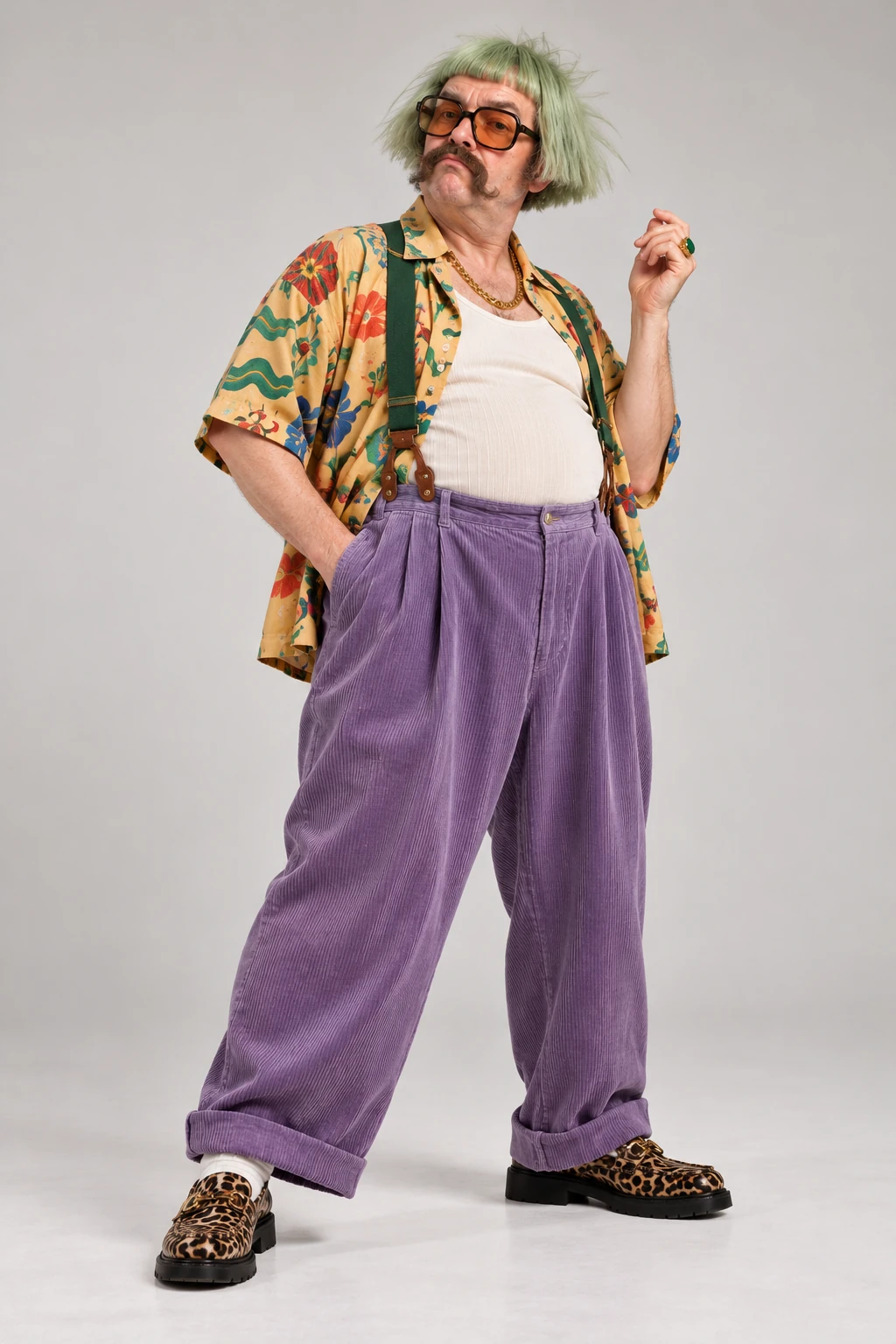
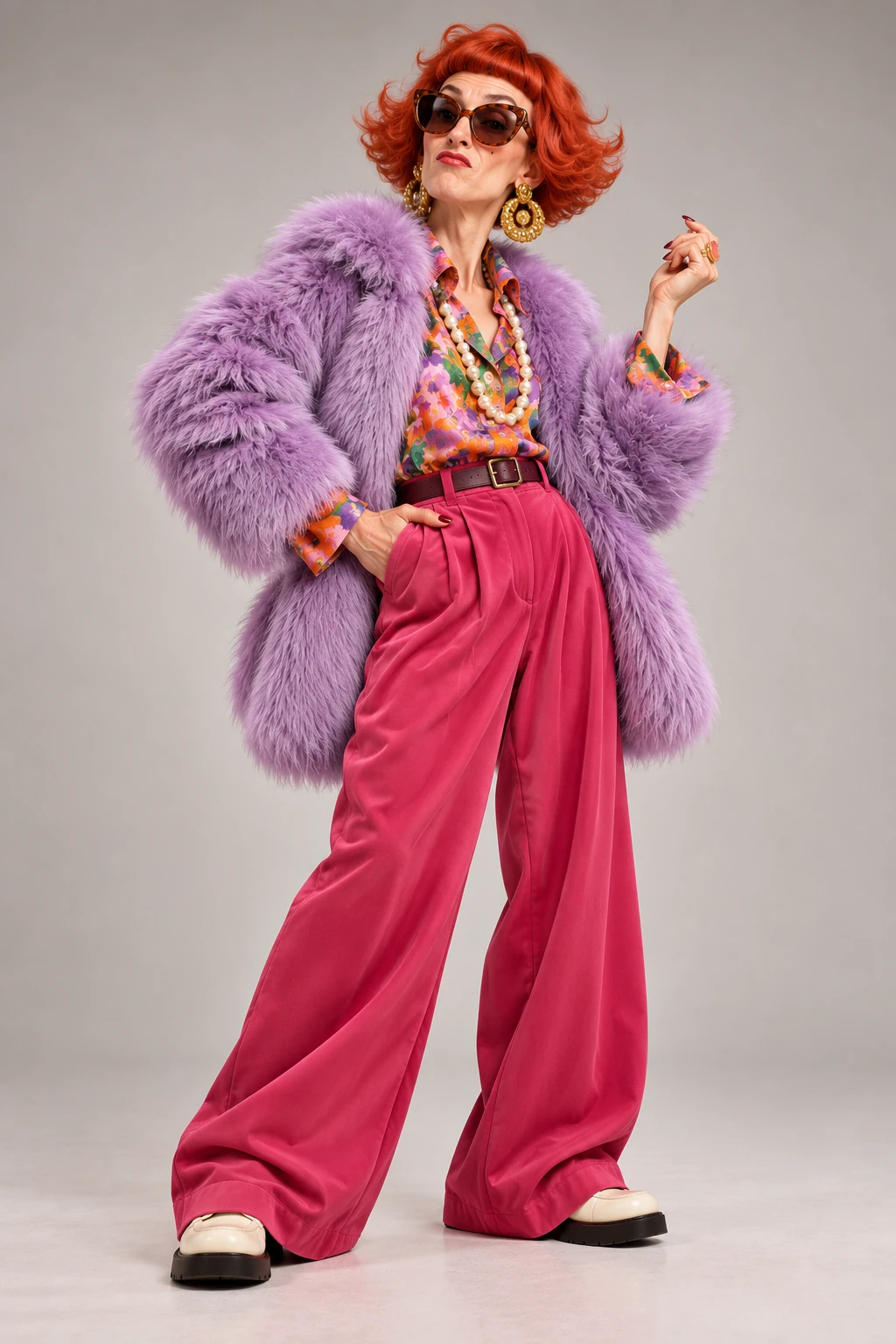
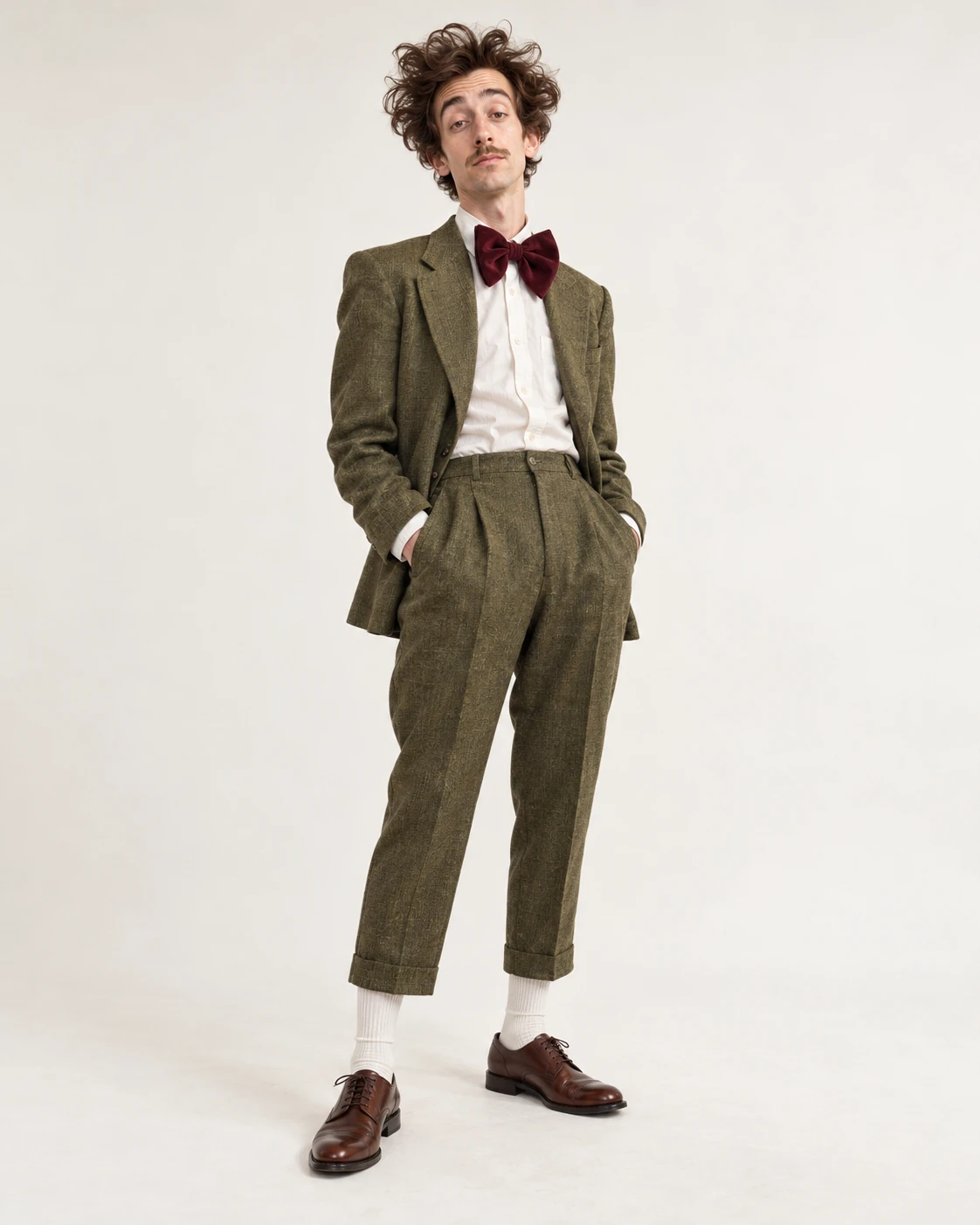
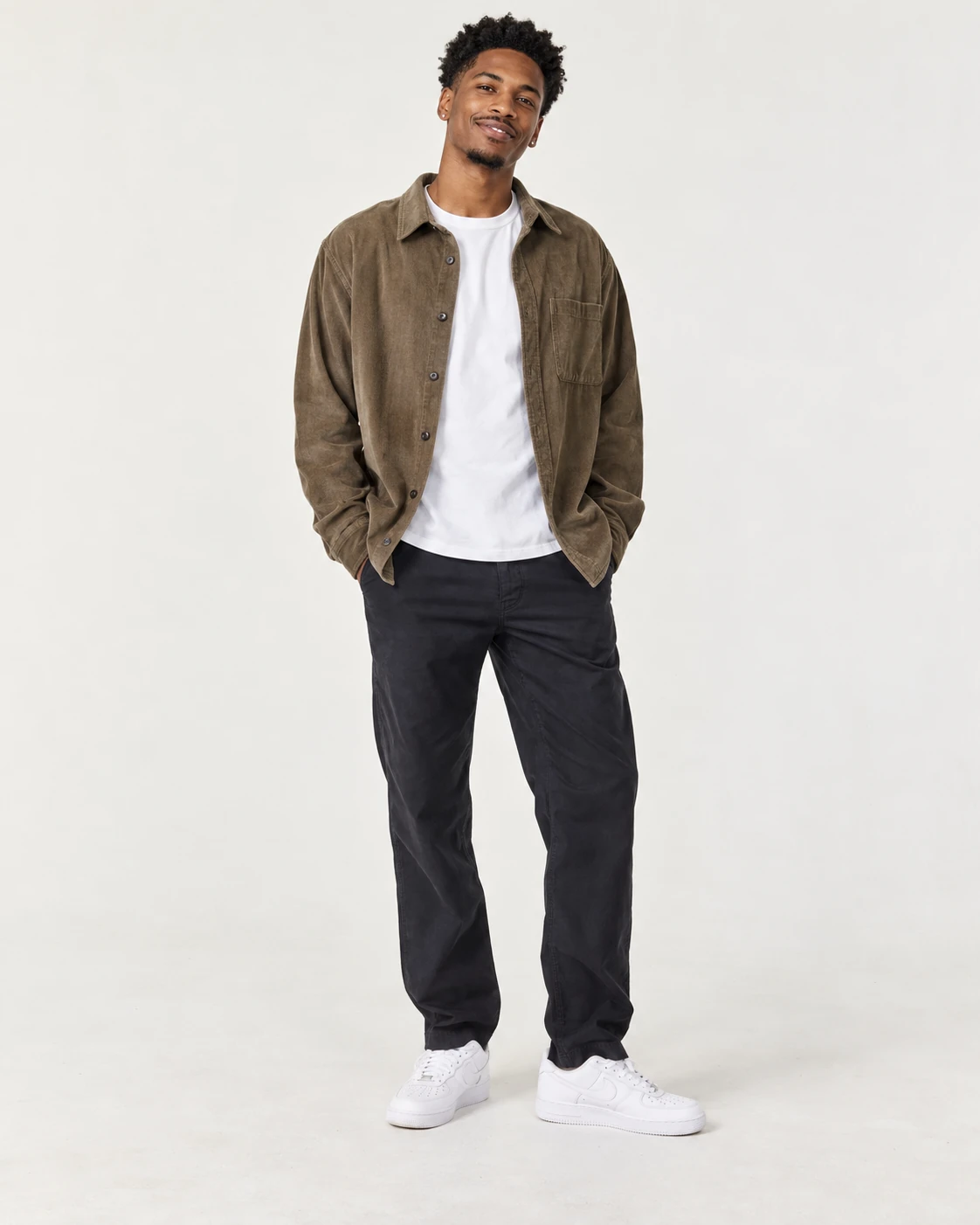

This generated example uses the five sample portraits shown here with the original song audio. Visual results vary.
How to choose the best Outstanding Tiny Desk AI generator
Start with the result, not the marketing label. Check whether a generator supports the number of people or pets you want, whether it can use your own photos, what aspect ratio and duration it creates, and whether its soundtrack matches what you expect.
Then look at control and cost. A preset workflow is quick, while free-form prompts or model choices can offer more control. Check the available resolution, credit cost, privacy and deletion terms, and whether you can review a sample that is clearly identified as an example.
- Photo inputs: does the tool support the lineup you want?
- Audio: does it use the original song, create new accompaniment, or stay silent?
- Format: are the duration and aspect ratio suitable for TikTok or Reels?
- Workflow: do you want a ready-made template or prompt controls?
- Price and rights: can you see the cost before generating, and do you have permission for every photo?
Where Tiny Desk AI fits
Tiny Desk AI currently focuses on one configured Outstanding Tiny Desk template. It accepts one to five authorized photos, creates a 15-second vertical 9:16 performance, uses the original song audio from the source video, and does not ask you to write a prompt. The cast-size choices make it possible to feature one person, a group, or pets.
The tool is a fit when those defaults match your goal. It is not a general-purpose video editor: the current workflow does not offer free-form prompts, a model picker, batch generation, or a choice of unrelated templates. Review the credit cost and output quality before buying or generating.
Choose based on your use case
For a quick cast-replacement-style desk performance, a template that accepts several photos can save setup time. If you need exact scene editing, a different soundtrack, or detailed prompt control, compare tools that explicitly offer those features. No generator can guarantee an exact likeness or a viral response.
Frequently asked questions
Is Tiny Desk AI the best generator for everyone?
No single generator is best for every task. Tiny Desk AI is designed for a specific prompt-free, one-to-five-photo Outstanding Tiny Desk workflow.
Does Tiny Desk AI use the original song?
Yes. The current template uses the original song audio from the source video with newly generated visuals.
Can I compare the cost before generating?
Yes. The generator shows the credit cost for the selected resolution before submission.
See if Tiny Desk AI fits your project
Review the available lineup, output settings, and credit cost, then create a video if the preset workflow matches what you need.
Create your Tiny Desk video